
Definition: What Is Self-Service BI?
Self-service business intelligence is a data management strategy that enables specialist departments to handle reporting and analytics tasks themselves. Faster decisions and accurate analyses are becoming increasingly important for companies.
Compared with a traditional business intelligence model, data in a self-service BI system is accessible to all employees with the appropriate authorization, rather than being visible only to IT. IT departments are often the reporting bottleneck, which can slow down company processes. With a self-service BI solution, specialist departments analyze their data independently.
What Benefits Does Self-Service BI Offer HR?
Self-service analytics can sustainably reduce the workload of a company’s HR department. Here is an overview of key reasons for integrating software into your system landscape:
- Faster decisions: Specialist departments do not depend on other teams to produce manual reports. They collect data independently and process it internally. This saves time and helps keep data up to date.
- Reduced workload for IT: Standard reports can also be created in a decentralized way, and a development team is no longer required to connect different systems. This reduces repetitive routine tasks for the IT department and frees up capacity for other work.
- Greater data literacy: Specialist departments work in a more data-driven way. This strengthens their ability to work with data and gives them deeper insight into relevant information. They can therefore make well-founded decisions independently, contributing to a productive corporate culture.
- Greater transparency: In the long term, all of this creates greater transparency across the company. If metrics are immediately visible to individual departments, they can work with them directly. There is no need to wait for an updated report with IT support, enabling more efficient and faster work.
- Better collaboration: With a self-service BI solution, different departments can access shared data and collaborate on projects. For example, HR, business development, and management work from the same data foundation.
[H3] Typical HR Use Cases
The main applications of self-service reporting in HR include:
- Time tracking: Employees independently perform administrative tasks—such as recording working hours—through the relevant platforms. They can also view and analyze their overtime, absences, and working time models there.
- Workforce scheduling: Workforce planners have a precise overview of staffing levels, shift coverage, and utilization. On this basis, they can create reports and optimize workforce scheduling as needed.
- HR controlling: HR managers can view absence rates, sickness rates, and staffing requirements. They can quickly identify changes and make early assessments of potential workforce developments
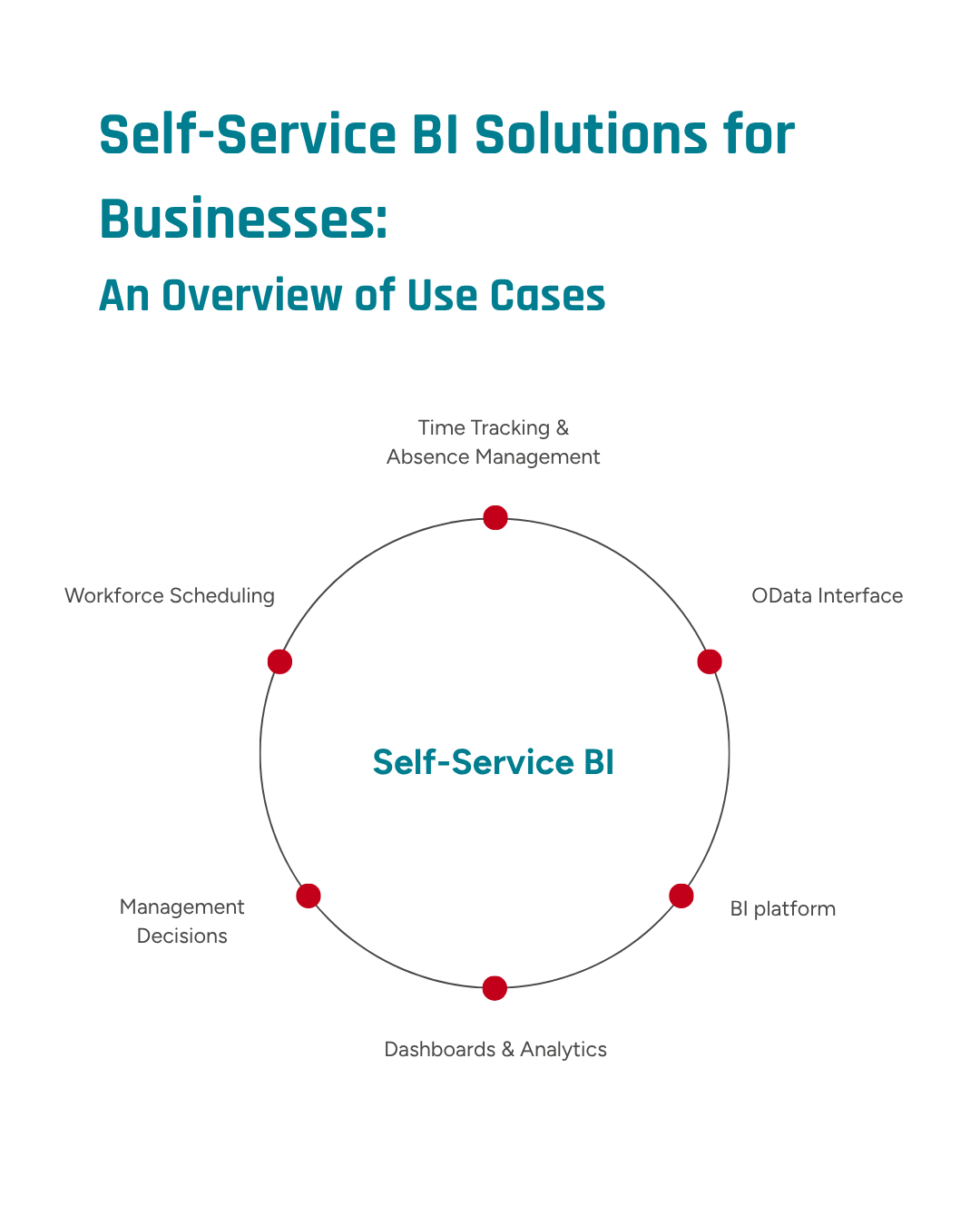
The functions of a self-service integration are versatile and reduce the workload for both HR managers and the IT department. © GFOS Group
Current Challenges Caused by Missing Integrations
A lack of company-wide integration still creates challenges when working with self-service BI. The most common challenges are summarized below:
- Data silos: Data may be visible in one tool but unavailable across systems. This makes information sharing more difficult and processes less transparent for different departments.
- Manual exports: To continue using data in other tools, it must be exported manually. This is time-consuming and makes flexible working more difficult.
- Excel-based processes: Many companies still rely heavily on Excel or other spreadsheet programs. This way of working is time-consuming, and manually created lists also have a high error rate.
- Inconsistent data versions: Data often comes from different periods and cannot be compared. This makes it more difficult to prepare forecasts and conduct accurate analyses.
- Lack of expertise: Self-service should not be equated with unrestricted individual responsibility, as shown, among other sources, by a 2025 study in the Journal of Decision Systems: The complexity and relevance of a use case determine whether HR users can work independently or require support from BI and analytics specialists.
Why Direct Integration and the Use of Self-Service BI Are Worthwhile
Data must be provided without media discontinuities: Using OData feeds—for example, directly in the GFOS platform—enables the standardized provision of information and makes workforce management data centrally available. Values from time tracking, planning, and absence management can then be analyzed flexibly with the desired business intelligence tools and processed further there. Master data and transaction data are immediately available for analysis. This means fewer manual export detours, reducing both the error rate and the time required.
Interesting Insights into Reporting Standards in Companies
According to a Forrester study, professionals need quick, readily available insights into business processes. The study shows a growing trend toward implementing self-service BI tools, while standardized data sources are becoming increasingly important. When all specialist departments create their reports and analyses without relying on IT, the results remain current and are available without delay. This enables faster dashboards and higher data quality.
In a study, IBM examines the transformation of HR analytics through generative business intelligence solutions and concludes that self-service people analytics becomes scalable above all when HR data is consolidated in a central data platform, dashboards are made available to authorized users, and these are supplemented by a consistent semantic data and governance layer.
Use Case: Analysis in a Hospital Setting
In an acute-care hospital with more than 300 beds and several departments, workforce planners spend a great deal of time creating shift schedules. Short-notice absences due to illness and the individual availability of nursing staff are often difficult to factor into planning.
With a self-service BI solution, HR staff can view exact shift coverage by department. Because employees transparently record their availability and preferred shifts in the system, open shifts and the associated bottlenecks can be addressed before they arise. This makes it possible to systematically plan, manage, and develop performance.
Use Case: Reporting in Production
A production facility with multiple locations requires precise workforce planning and management. HR managers often find it difficult to track overtime by company location. A frequently asked question is: Have employees at location A accumulated more overtime than those at location B? How does productivity compare?
Digital HR solutions can simplify the analysis of overtime by company location: Employees record their own working hours. The data is centrally available to HR managers, enabling them to identify buildups of overtime at an early stage. HR staff can therefore intervene in good time and ensure that enough personnel are available to maintain production at all locations.
Optimize HR Analytics and Reporting with GFOS
Import data into Excel and BI tools without an IT project. GFOS supports OData standards, making your data available across systems.
